
Wedding DJ CRM with a live request queue
Wedding DJ software should keep the contract, must-play list, and guest request queue on the same event.
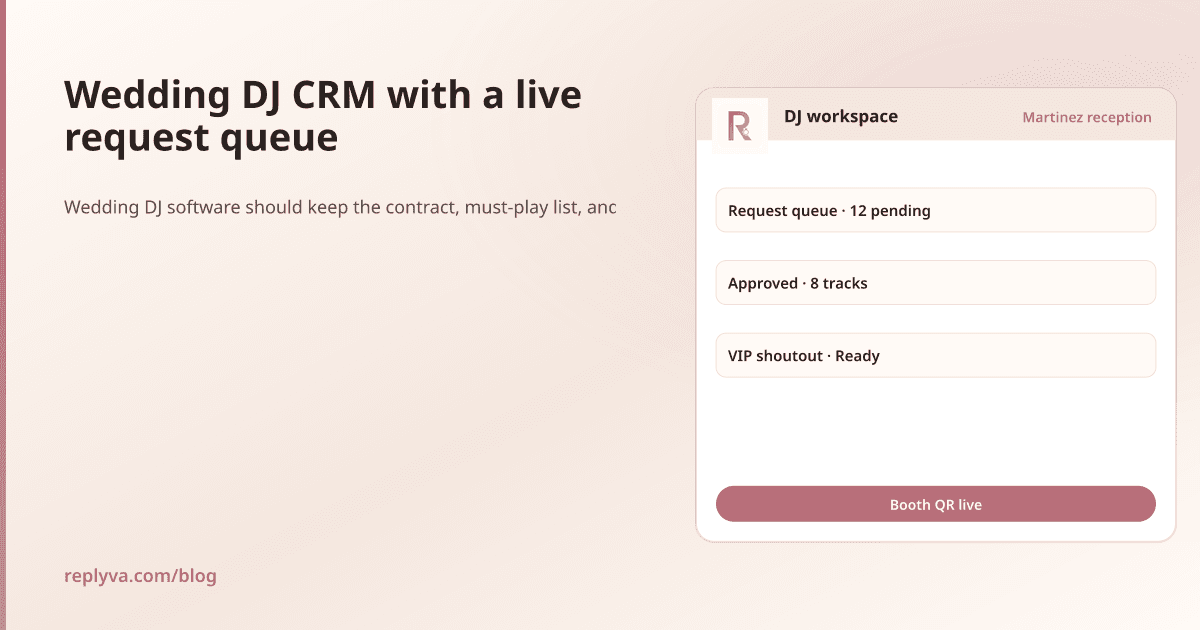
“Wedding DJ software” usually means a request app. “DJ CRM” usually means invoices. The booth needs both. Guests hand you a Spotify link. The must-play list is in a notes app. The planner’s timeline is a screenshot from March.
The job is a queue you approve, on the wedding you were hired for.
What problem does a wedding DJ CRM need to solve?
A QR guests can scan, an approve or skip step before a song hits the master, VIP names with phonetics, tips and shoutouts, packing lists, and MC notes. The contract and the deposit should be on that same event so you are not running a second business app between sets.
How does Replyva help DJs?
The DJ workspace ties the live request queue, song planning, packing and inventory, and MC notes to the event. When a planner cascades a delay, that event is the same one your queue sits on.
See Replyva for DJs and DJ song requests without sticky notes.
What stays on one client record?
- Package, contract, and invoice
- Must-play and do-not-play
- QR request queue
- Gear and packing list
- Timeline cues from the planner
What should you test on one real booking?
Publish the request link and scan it on guest Wi-Fi, not only venue staff Wi-Fi. Approve one test song from your phone. If the do-not-play list is still a paper slip, put it on the event before the reception.