Wedding DJ Spotify playlist: build the night with the couple, then sync requests
Build Cocktail, Dinner, and Open dance floor lists with the couple, then sync approved guest requests to Spotify.
A wedding DJ Spotify playlist holds up better when the couple helps before guests start requesting songs. In Replyva, you build that list on the event, share it on the client portal, and send approved guest requests to Spotify after you say yes.
The DJ workspace holds the playlist for that booking. The couple sees the same songs in the portal. Spotify receives the tracks you already approved.
Build Cocktail, Dinner, and Open dance floor first
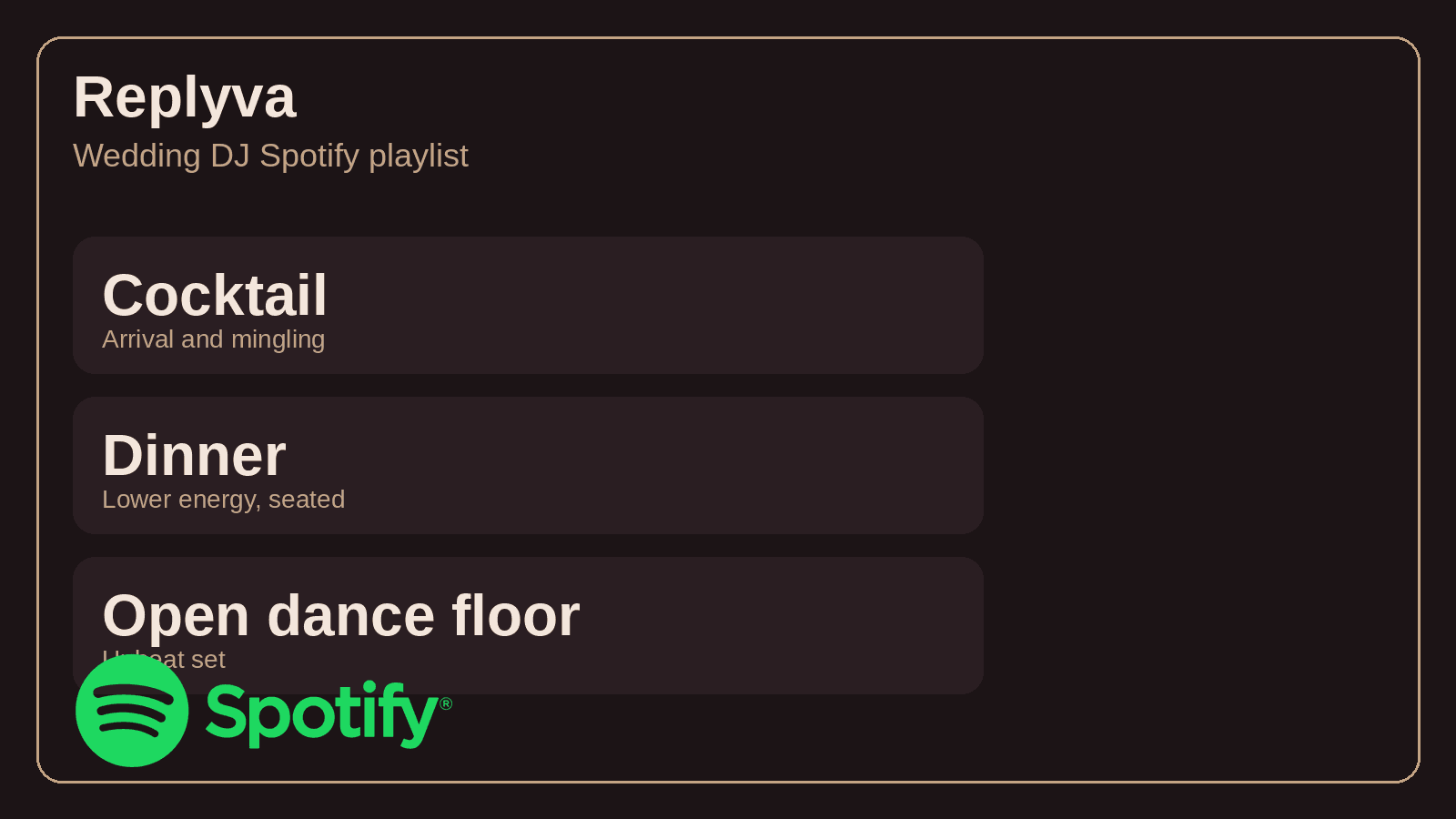
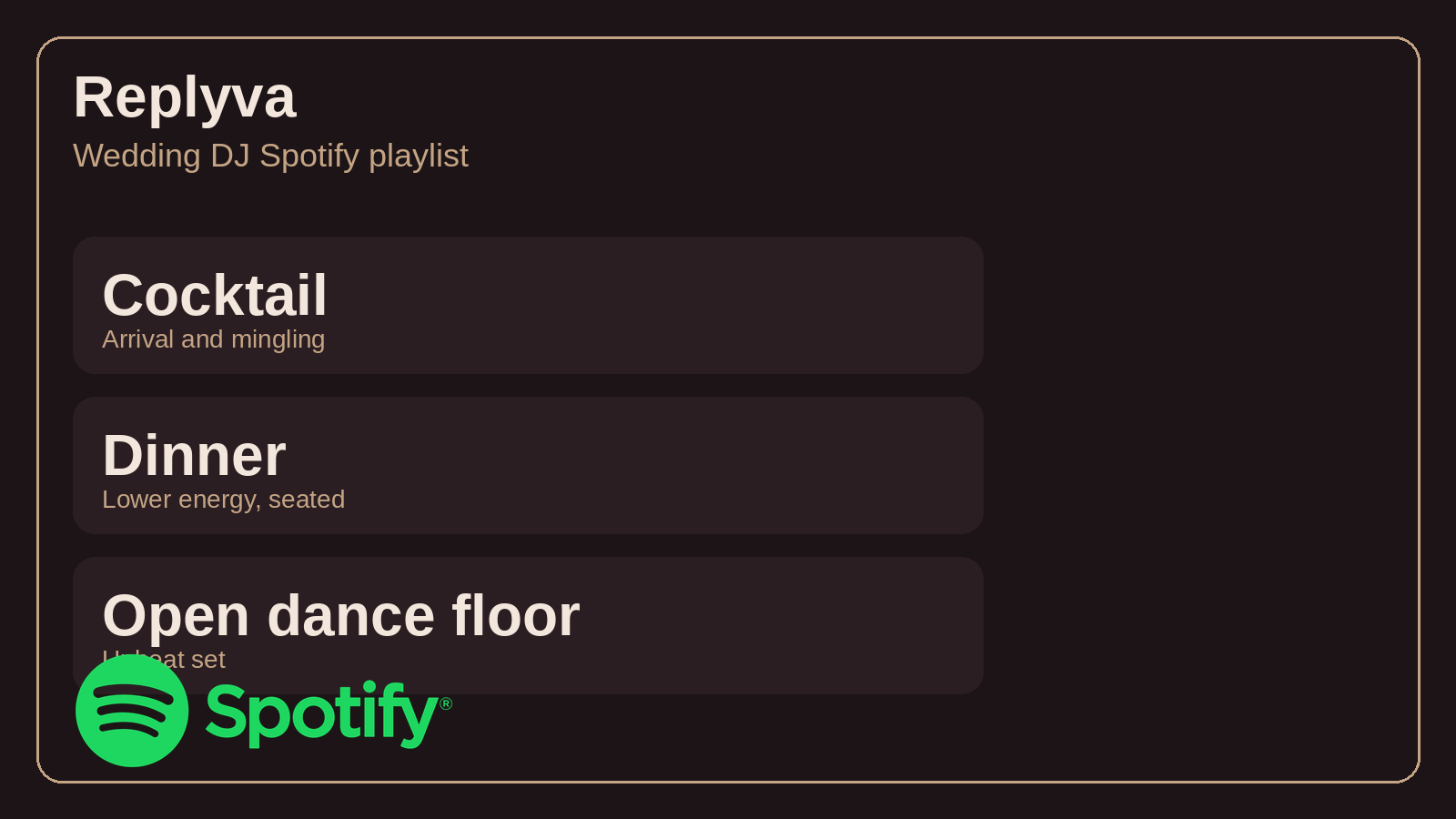
Each event starts with three lists:
- Cocktail covers arrival and mingling.
- Dinner stays lower energy while guests are seated.
- Open dance floor is the upbeat set once the floor opens.
Add a song with the title, the artist, and a streaming URL. Track search works in the DJ workspace, so you can pull a title without leaving the event.
Keep Cocktail light. Keep Dinner seated. Save the big drops for Open dance floor. The couple can see that split instead of one long list with no order.
Share it, let them edit, then lock it
Share the playlist on the client portal when you want the couple to see it. Turn on client editing if you want them to add and change songs there. Track search works on the portal playlist too, so they can look up a title instead of texting you a half-remembered chorus.
When the list is the one you will play, lock it. The lock happens after you approve the final list. The portal stops being a shared draft and becomes the set you agreed on.
Connect Spotify
Open Dashboard, then Settings, then Integrations, then Spotify, and connect your account.
That connection lets Replyva search tracks and, later, add approved requests to a Spotify playlist. You still approve each guest request before anything is added.
Sync approved guest requests
Guests can ask for songs from a QR code. Those requests land in your live approval queue, beside shoutouts and optional tips if you use them. The queue is where you decide. A guest tap does not add a track to Spotify on its own.
Search also works on the public song-request page, so a guest can find the right recording before they submit it.
After you approve the requests you want, use Sync now. Replyva adds those tracks to a Spotify playlist. The default name is Replyva approved songs. You can set a name prefix if you want a different label.
Sync now only sends tracks you already approved. Cocktail, Dinner, and Open dance floor stay the plan you built with the couple. The Spotify playlist is the approved guest set.
A simple order for the week of the wedding
- Create the event playlist and fill Cocktail, Dinner, and Open dance floor.
- Share it on the client portal. Let the couple edit if you want their picks in writing.
- Approve the final list and lock it.
- Connect Spotify under Dashboard, Settings, Integrations, Spotify, if you have not already.
- Approve guest requests in the live queue, then use Sync now.
Questions DJs ask
Can the couple keep changing songs after I lock the list?
The lock follows your approval of the final list. Lock it when you are done taking edits.
Where do approved guest requests go?
Sync now adds them to a Spotify playlist. The default name is Replyva approved songs. You can set a name prefix.
Is that Spotify playlist the same as Cocktail, Dinner, and Open dance floor?
Those three lists live on the event and in the portal. Sync now sends approved guest requests to Spotify.
Do I have to approve every request?
Sync now runs after you approve. Requests you leave in the queue stay there.
Try it on your next booking
Replyva for DJs puts the workspace, the client portal, and Spotify sync in one place. Try Replyva free for 30 days.